by Screens PeoPle
Share
by Screens PeoPle
Share
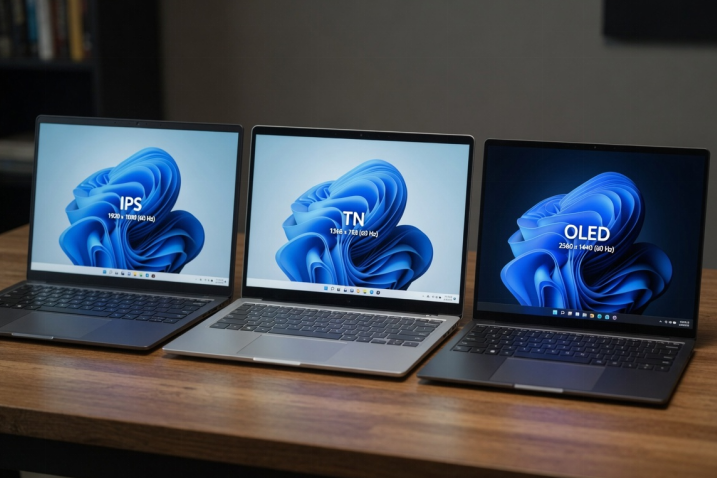
IPS, TN, and OLED screens use different display technologies with different strengths. IPS gives strong viewing angles, TN is usually cheaper, and OLED has deep blacks. The best choice depends on budget, work needs, color, speed, and battery life.
What Is an IPS Laptop Screen?
IPS stands for in-plane switching, a common type of LCD panel. It is popular because colors stay stable from wide viewing angles.
An IPS laptop screen works well for office tasks, streaming, browsing, and photo work. It usually gives better color and viewing comfort than older TN panels.
IPS screens can still vary a lot by brightness, color range, and response time. A high-quality IPS panel can look much better than a basic IPS panel.
What Is a TN Laptop Screen?
TN stands for twisted nematic, an older and simpler LCD panel type. It often costs less and can offer fast response times.
TN screens usually have weaker colors and narrow viewing angles than IPS screens. The picture can shift when you move your head up or down.
Some budget laptops still use TN panels because they keep costs low. They can handle basic tasks, but they rarely look best for media.
What Is an OLED Laptop Screen?
OLED screens light each pixel on its own without a standard backlight. This design gives deep blacks because pixels can turn fully off.
OLED can show excellent contrast, rich color, and very fast pixel response. It looks impressive for movies, photos, and high-quality visual work.
The concerns include higher cost, possible burn-in, and different power behavior. Bright white pages can use more power than darker content on OLED.
Which Screen Type Looks Best?
OLED often looks best for contrast, black levels, and vivid media. IPS is usually the safer everyday choice for balance, price, and comfort.
TN usually looks weakest because colors and angles are more limited. It may still be acceptable for simple tasks and lower laptop prices.
For school, office, and general use, IPS often gives the best value. For media and premium visuals, OLED can feel like a major upgrade.
What Should You Check Before Buying or Replacing?
Screen type matters, but it is not the only detail to check. Brightness, resolution, refresh rate, connector type, and size also matter.
- Check brightness if you use the laptop near windows.
- Check color coverage if you edit photos or design materials.
- Check refresh rate if smooth motion matters during daily use.
- Check connector and mounting details before ordering a replacement.
Do not assume any IPS, TN, or OLED panel will fit your laptop. Many laptops need a specific connector, cable, size, and panel thickness.
Which Type Is Best for Common Uses?
For office work and school, IPS usually gives the best everyday balance. It keeps text clear and lets others view the screen from the side.
For movies and premium media, OLED can provide deeper blacks and stronger contrast. It looks best when you value picture quality over lower repair cost.
For tight budgets, TN may still meet simple needs like email and forms. It is less ideal when you watch videos or share the screen often.
For long reading sessions, brightness control and glare matter with any panel type. A good IPS panel with matte finish can feel very comfortable.
Frequently Asked Questions
Is OLED Always Better Than IPS?
No, OLED is not always better for every laptop user. IPS can cost less, use less power on white pages, and avoid burn-in concerns.
Is TN Good for Students?
TN can work for basic school tasks when budget matters most. IPS is usually better for reading, videos, and shared viewing angles.
Can I Upgrade From TN to IPS?
Many laptops can move from TN to IPS, but compatibility must be checked first. The screen size, connector, cable, and firmware can limit upgrade options.
Conclusion
IPS, TN, and OLED screens differ in color, viewing angle, contrast, and cost. IPS suits most users, TN saves money, and OLED offers premium visual quality. If you want to replace or upgrade your panel, Screens People can help you review laptop LCD screens that match your laptop.
STAY IN THE LOOP
Subscribe to our free newsletter.
Leave A Comment

Vertical or horizontal lines on a laptop screen happen when [...]

Replacing a laptop screen yourself can be easy or difficult [...]
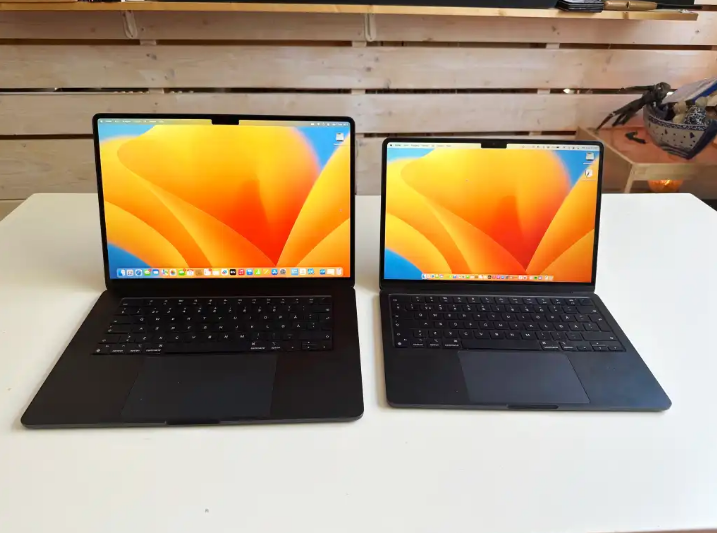
A 4K screen can be worth it on some 13-inch [...]
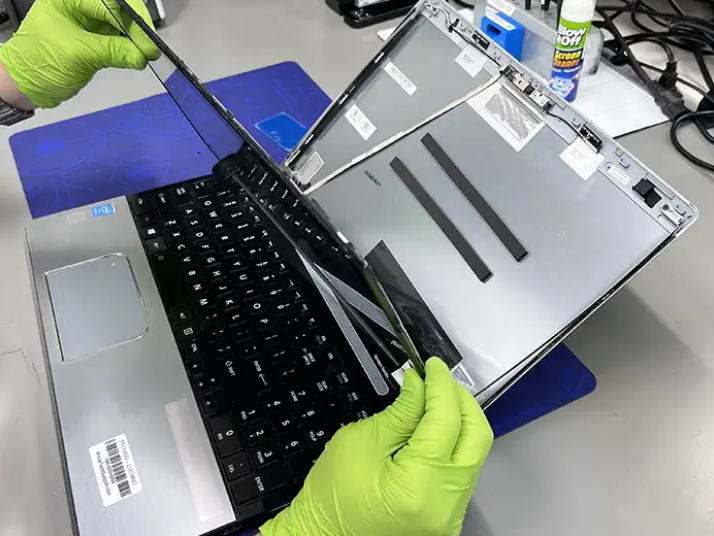
You find the exact replacement part number for your screen [...]